
How to log into Bangladesh Railway’s e‑ticket portal
বাংলাদেশ রেলওয়ে ই টিকেট লগইন গাইড
অনলাইনে ট্রেনের টিকেট কাটতে হলে প্রথমে আপনাকে eticket.railway.gov.bd পোর্টালে লগইন করতে হবে। লগইন করার জন্য আপনার নিবন্ধিত মোবাইল নাম্বার এবং পাসওয়ার্ড প্রয়োজন। নিচে ধাপে ধাপে লগইন করার নিয়ম এবং সাধারণ সমস্যাগুলোর সমাধান দেওয়া হলো।
This independent guide walks you through each step, from navigating the site to solving the Cloudflare captcha and accessing your personal dashboard.
Go to Official Login PageStep‑by‑step login process | লগইন করার নিয়ম
1. Visit the official site (অফিসিয়াল ওয়েবসাইটে যান)
Open your preferred browser and visit eticket.railway.gov.bd. This is the only official platform for railway e-ticketing.
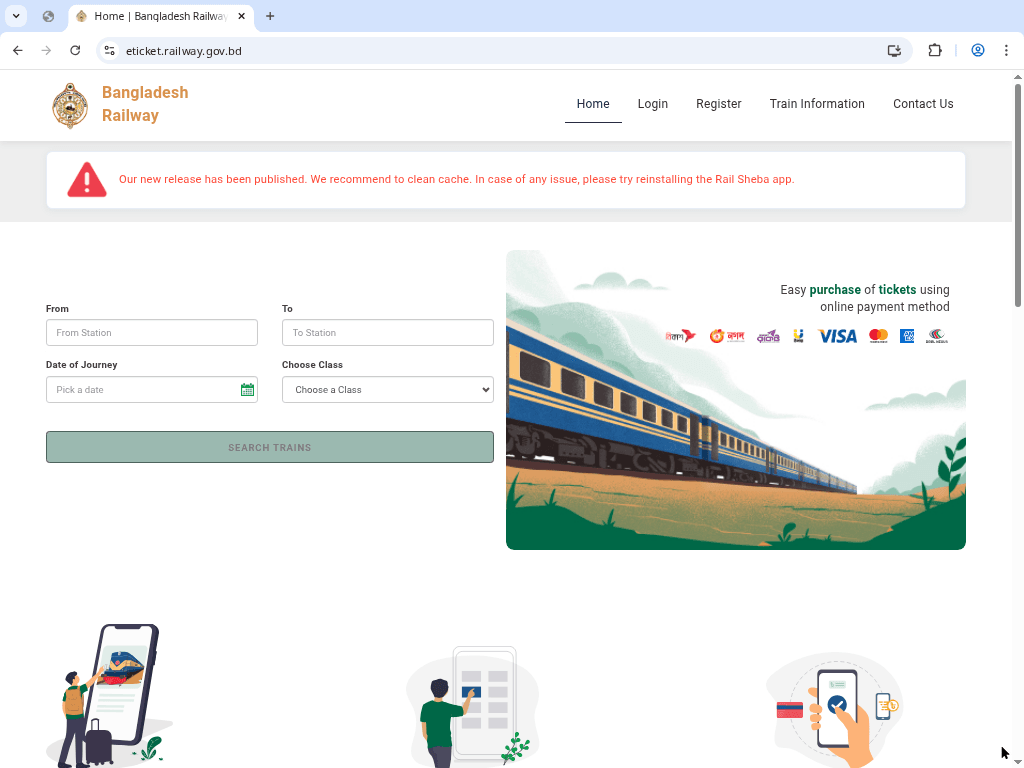
2. Navigate to the login form (লগইন অপশনে ক্লিক করুন)
Click on the “Login” button located in the top navigation bar or menu section of the website.
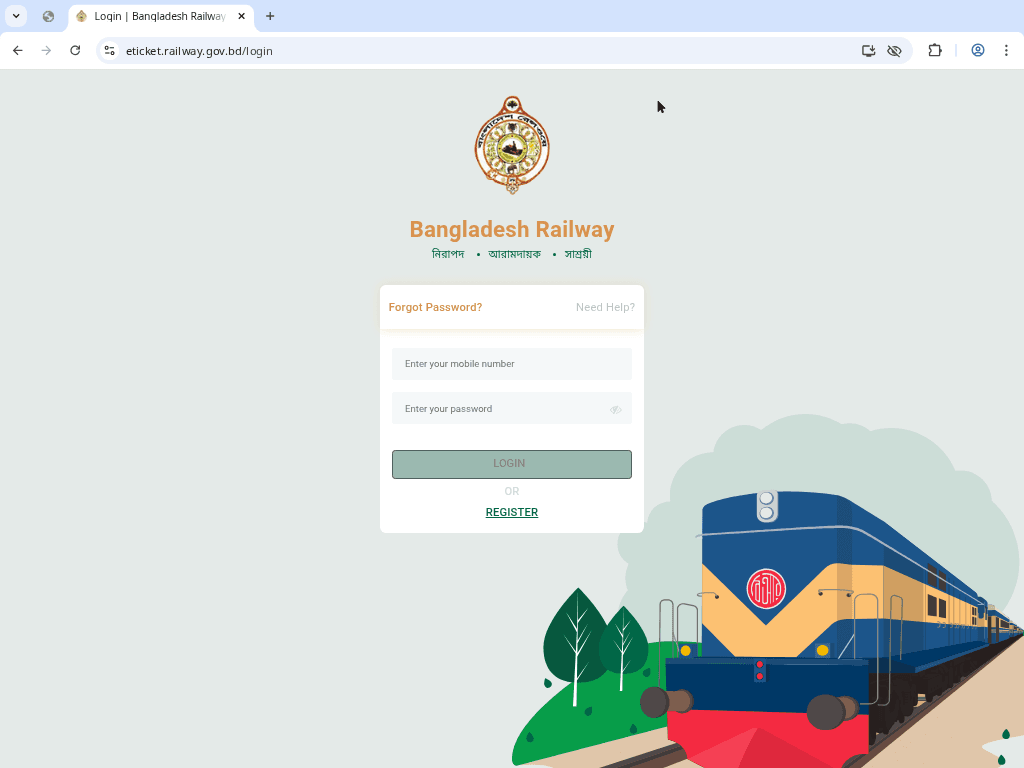
3. Enter your credentials (তথ্য প্রদান করুন)
Enter your registered mobile number (যে নাম্বার দিয়ে একাউন্ট খুলেছেন) and your password accurately.
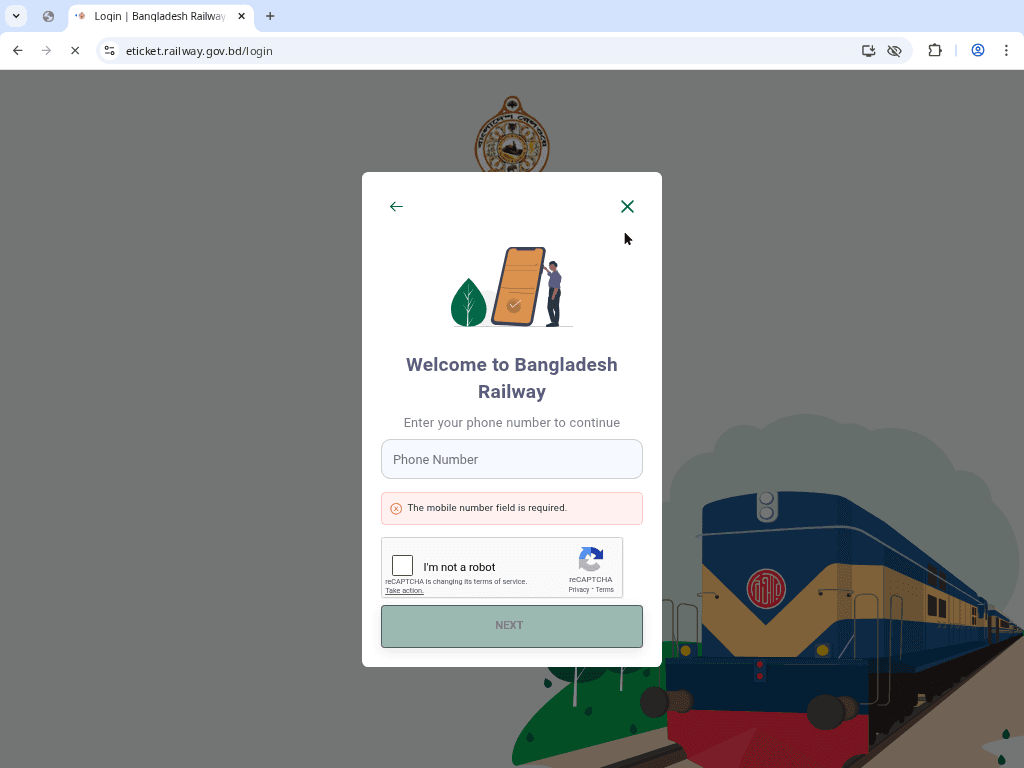
4. Complete the Verification (ভেরিফিকেশন সম্পন্ন করুন)
Before logging in, you must complete the Cloudflare captcha by clicking the checkbox. This ensures the security of the portal.
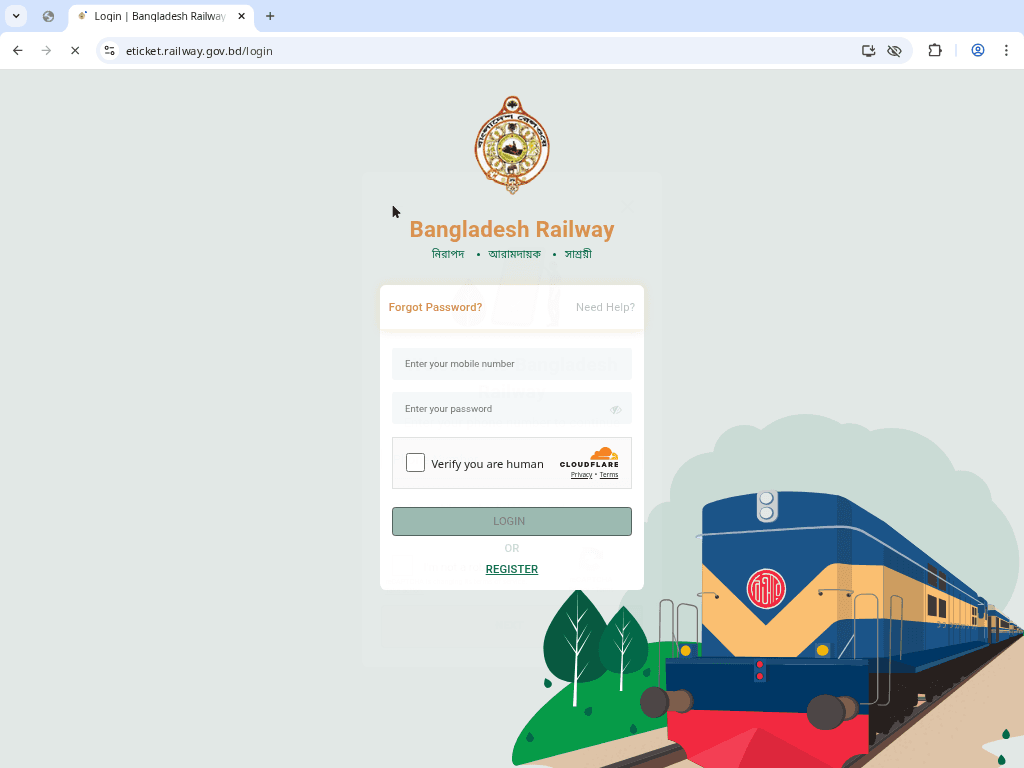
5. Access your dashboard (ড্যাশবোর্ডে প্রবেশ করুন)
Once the captcha is complete, click “LOGIN.” You will be redirected to your personal dashboard where you can see your purchase history and book new tickets.
পাসওয়ার্ড ভুলে গেলে কি করবেন? (Forgot Password)
আপনি যদি আপনার লগইন পাসওয়ার্ড ভুলে যান, তবে চিন্তার কিছু নেই। নিচের ধাপগুলো অনুসরণ করুন:
- লগইন পেজের নিচে থাকা "Forgot Password" লিঙ্কে ক্লিক করুন।
- আপনার নিবন্ধিত মোবাইল নাম্বারটি প্রদান করুন।
- আপনার মোবাইলে একটি ওটিপি (OTP) কোড আসবে, সেটি ভেরিফাই করুন।
- নতুন একটি শক্তিশালী পাসওয়ার্ড সেট করুন এবং পুনরায় লগইন করার চেষ্টা করুন।
Security Tips for Railway Login
- Never share your password or OTP with anyone, including people claiming to be railway officials.
- Avoid logging in from public computers or open Wi-Fi networks if possible.
- Always Log Out after finishing your booking, especially on shared devices.
- Ensure your account is linked to your own NID and mobile number for security verification.
Conclusion | উপসংহার
The Bangladesh Railway e‑ticket portal simplifies train travel planning, but logging in securely is essential. By following this guide, you can easily access your eticket railway login and manage your journey efficiently. If you still encounter problems, contact the official railway support system.